
One till for the shop and online.
Sell at the counter, on your website or from your phone. Every sale comes off the same stock, and you see it all in one place.
Two ways to sell. One count of what's left.
- Your counter and your online store should know what the other just sold.
- Instead the last cake sells twice, the stock book says 12 and the shelf says 4.
- With Cashfin the till, the website and the stockroom all count the same cakes.
Ring up a sale.
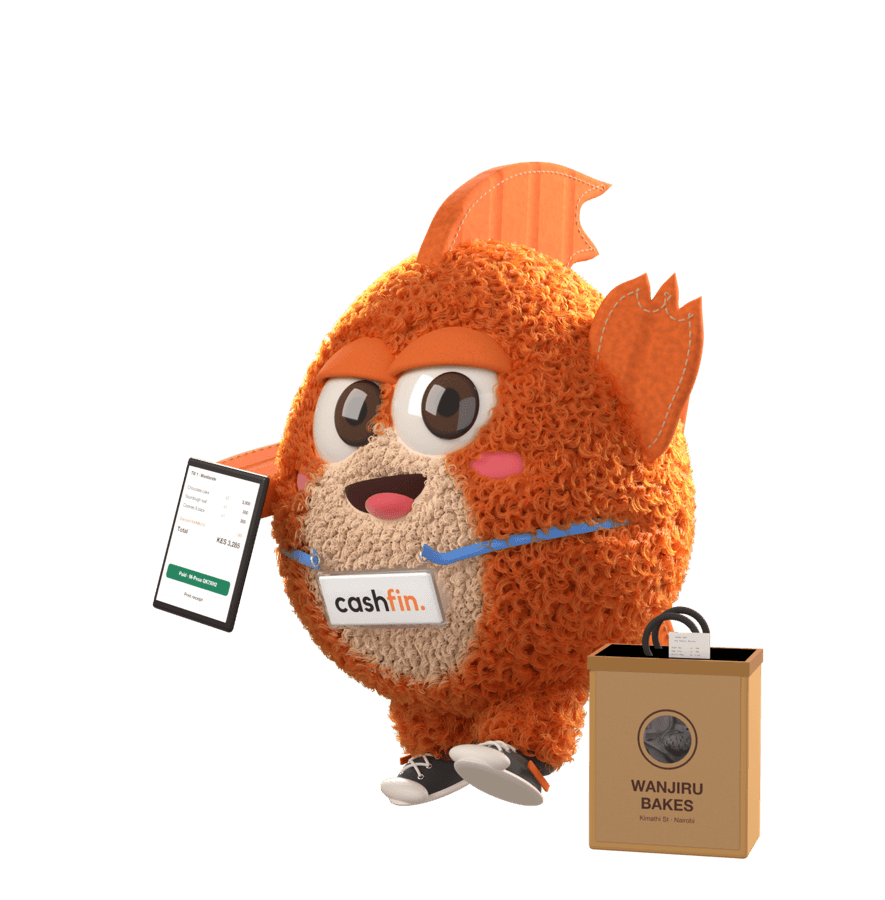
Tap products, try the promo code and pick how they pay. Watch the stock count as you sell.
Total KES 3,015 after KES 335 off. Change KES 985.
Chocolate cake
KES 1,500
10 leftSourdough loaf
KES 350
5 left · reorderCookies, 6 pack
KES 300
20 leftCoffee beans 250g
KES 950
4 leftTill 1 · Westlands
10% off over KES 1,000, up to KES 500.
ChangeKES 985
First, ring it up.
Tap products or scan the barcode. Variants and add-ons are one tap away.
New saleTill 1
Sell at the counter Till 1 or online Store, watch stock 11 left fall on its own and get a low-stock alert WhatsApp before you run out.
Everything about selling, explained.
Can I sell from my phone?
Use the till in any browser or in the Cashfin app on Android and iPhone. In the app, cash sales keep going when the internet drops and sync when it's back.
Accountant word: Point of sale (POS)
- Shifts, cash in and out, held orders
- Returns at the counter
- Receipts on 72mm thermal paper
Till 1 · appOffline
Both sync the moment the phone is back online.
One sale, everywhere.
A sale takes the payment, lowers the stock, lands in your books and shows on the customer's history. The same whether it happened at the till or online.
Everything a shop needs: a till on web and phone, offline cash sales in the app, barcode scanning, stock per branch, transfers and stock takes, low-stock alerts, promo codes, an online store and delivery or pickup.
Questions people ask first

- Does the till work without internet?
- In the Cashfin app, cash sales keep working offline and sync when you're back online. M-Pesa and card payments need a connection, and the web till needs one too.
- Which devices can I use?
- Any browser on a laptop or tablet, and the Cashfin app on Android and iPhone. Scan barcodes with a USB or Bluetooth scanner on the web, or with the phone camera in the app.
- Can I print receipts?
- Yes. Print till receipts from the browser on a standard 72mm thermal receipt printer.
- How does stock stay right?
- Every order holds its stock and the sale takes it off once it's paid, at the till and online. Unpaid orders release their stock again, and each branch keeps its own count.
- Can I sell online too?
- Yes. Your store runs on your own web address with M-Pesa, card and bank checkout, and online orders sit alongside your till sales.
- Do you handle delivery?
- Book SafeBoda delivery with live tracking, or let customers collect their order in store.
Open your till today
Free to start, no card needed. Add your products and make your first sale in minutes.