Shop & online store
Sell in your shop and online from one list of products. Your website, your till and your stock stay in step.
See how the shop works
Cashfin Business is eight tools that share one set of records: payments, a shop and till, customers, purchases, accounting, marketing, production and automation. A sale in one shows up everywhere it should. Start free and use what you need.






















Pick the job you want done. Each tool has its own page that explains it step by step, with examples.
Sell in your shop and online from one list of products. Your website, your till and your stock stay in step.
See how the shop worksAsk, approve, order and receive stock in one flow, then pay suppliers and keep the bills in order.
See how purchases worksCatch every enquiry, follow up on time, take bookings and send quotes customers approve online.
See how customers worksYour books fill in as you sell and spend. See your profit, tax and cash any day, not just at month end.
See how accounting worksGet paid by M-Pesa, card and bank. Send invoices and pay links, and see every payment match its invoice.
See how payments worksKnow what is on every shelf in every branch, and get warned before something runs out.
See how stock worksSend email campaigns, post to Facebook, Instagram and LinkedIn at once, and see who opened and clicked.
See how marketing worksTurn orders into jobs with steps, set materials aside and see what each order really cost to make.
See how production worksDescribe a chore in plain words, approve the rule, and let Cashfin do it every time.
See how automation worksThe tools share one set of records, so you type a sale once and everything that depends on it updates by itself. Here is what happens when one customer buys one cake.
Works without internet
Run your till from the Cashfin app on your phone. When the internet drops, your counter does not stop.
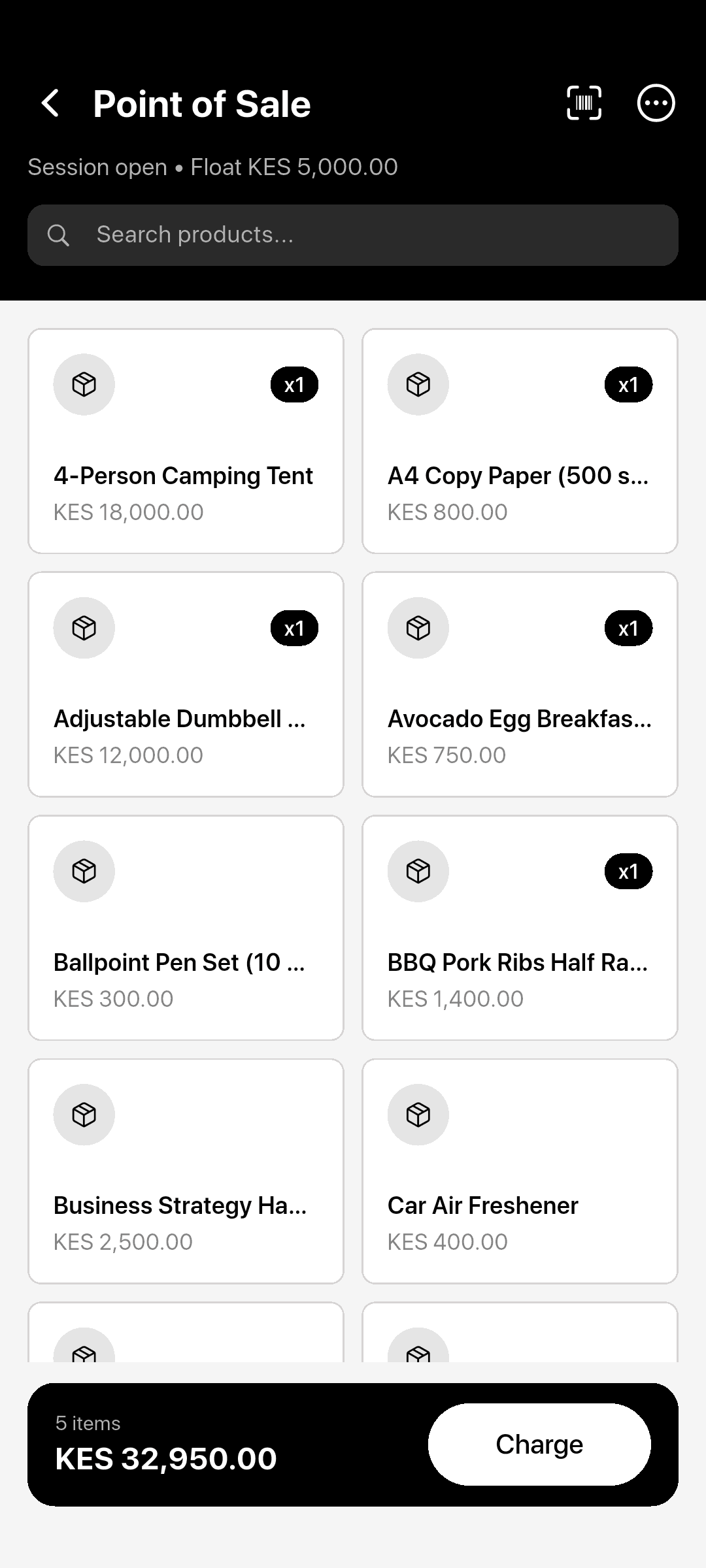
Shops, bakeries, salons, tailors, consultants and suppliers all use the same tools, each in their own way. Here is what Cashfin does for each.
Shops and online stores. One stock list for your shop and your website, a till that keeps taking cash sales when the internet drops, and M-Pesa at the counter.

Watch step-by-step video tutorials and guides on setting up, running, and growing your business with Cashfin.