Every campaign shows what worked.
Design email campaigns, post to Facebook, Instagram and LinkedIn at once, answer comments in one place and see who opened, clicked and replied.
Write it once. Post it everywhere.
Written once in Cashfin. Three pages picked.
- Your next customers are already scrolling.
- Instead it's one app at a time, promo emails from Gmail and no idea what worked.
- With Cashfin one post reaches every page and every email shows who opened it.

Write a post.
Type it once, pick your pages and see which ones are ready to go. Try taking the image away.
Post to
When
wanjirubakes
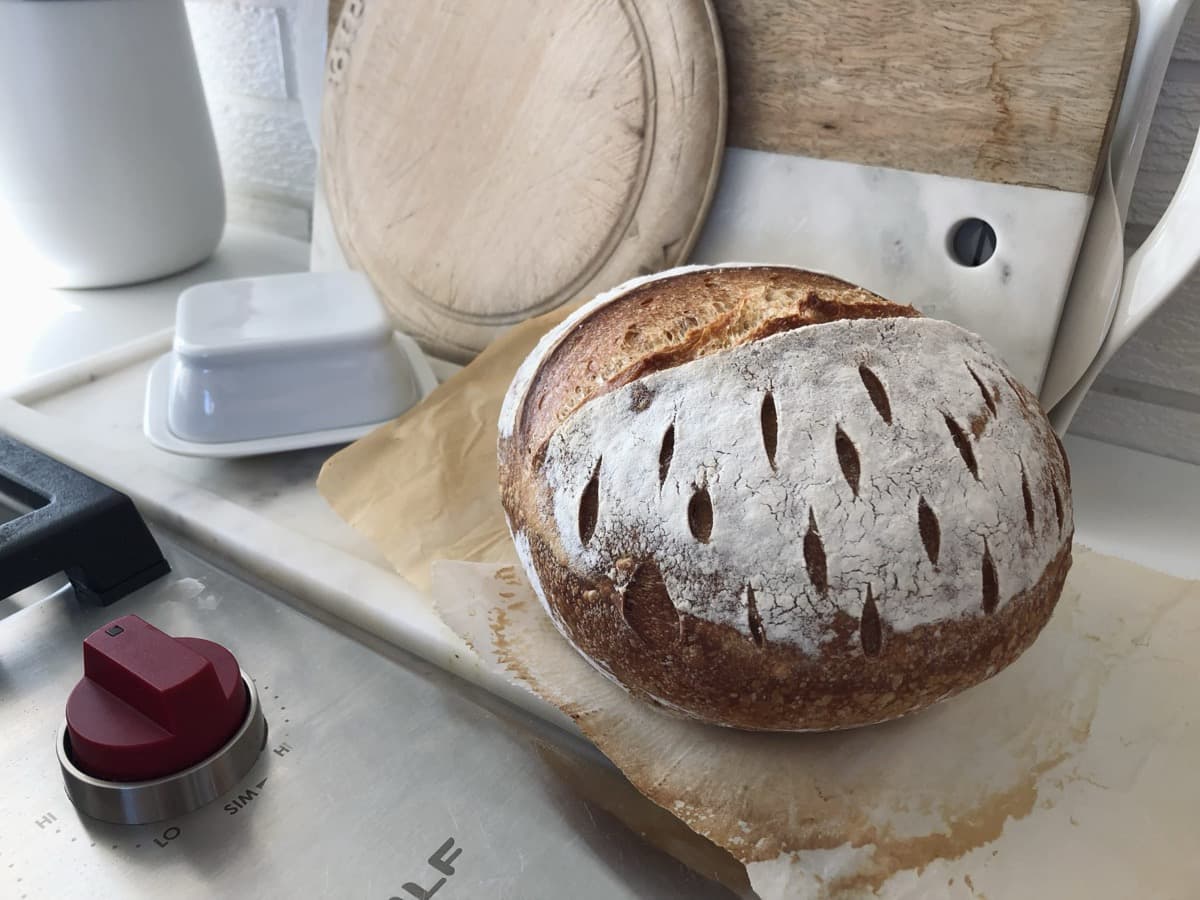
wanjirubakesSourdough is back! Fresh out of the oven at 7am. Order by 6pm for tomorrow morning.
Just now
Scheduled on Instagram for Tomorrow 9:00
Ready for all 3 pages.
Schedule for Tomorrow 9:00First, make it.
Start from a template, design in Canva, or ask the AI to write and design it for you.
Black Friday Early AccessDraft
Design an email Template, post to 3 pages at once, answer Comments in one place and see 41% opened for every send.
Everything about marketing, explained.
How do I send a promo email?
Design it in the drag-and-drop editor, pick who gets it, send yourself a test, then send now, later or every week.
Accountant word: Email campaigns
- Drag-and-drop editor
- Schedule or repeat
- One-click unsubscribe in every email
Black Friday Early AccessSent
Sent to your customers.
Campaigns go straight to the customers, leads and vendors already in Cashfin, and the promo codes you send work at your till and online store.
Everything to get the word out: email campaigns, email templates, an AI email writer, scheduled sends, open and click tracking, social posting, a comment inbox and Canva designs.
Questions people ask first

- Which social networks can I post to?
- Facebook, Instagram and LinkedIn. Write the post once, pick the pages, and publish now or schedule it. Instagram posts need an image, the same as in the Instagram app.
- Can I see who opened my emails?
- Yes. Every campaign shows how many emails were delivered, opened and clicked, and which ones bounced, with a log for each contact.
- Who can I send a campaign to?
- All your customers, your leads, your vendors, or your own lists. Import a list from a spreadsheet and duplicates are caught. Anyone who unsubscribes is skipped from then on.
- Can AI help me write?
- Yes. Ask the assistant to write and design an email campaign, a poster or a post caption. AI features use AI credits.
- Can I use my Canva designs?
- Yes. Connect Canva, bring a design into Cashfin to post it, and open it in Canva again whenever you want to change it.
- Can I send SMS or WhatsApp campaigns?
- Not yet. Campaigns go out by email today. You can still send an SMS or WhatsApp message to one customer from their record.
Send your first campaign today
Free to start, no card needed. Your customer list is already there, so your first email can go out in minutes.